

MVP Workflow Scoping
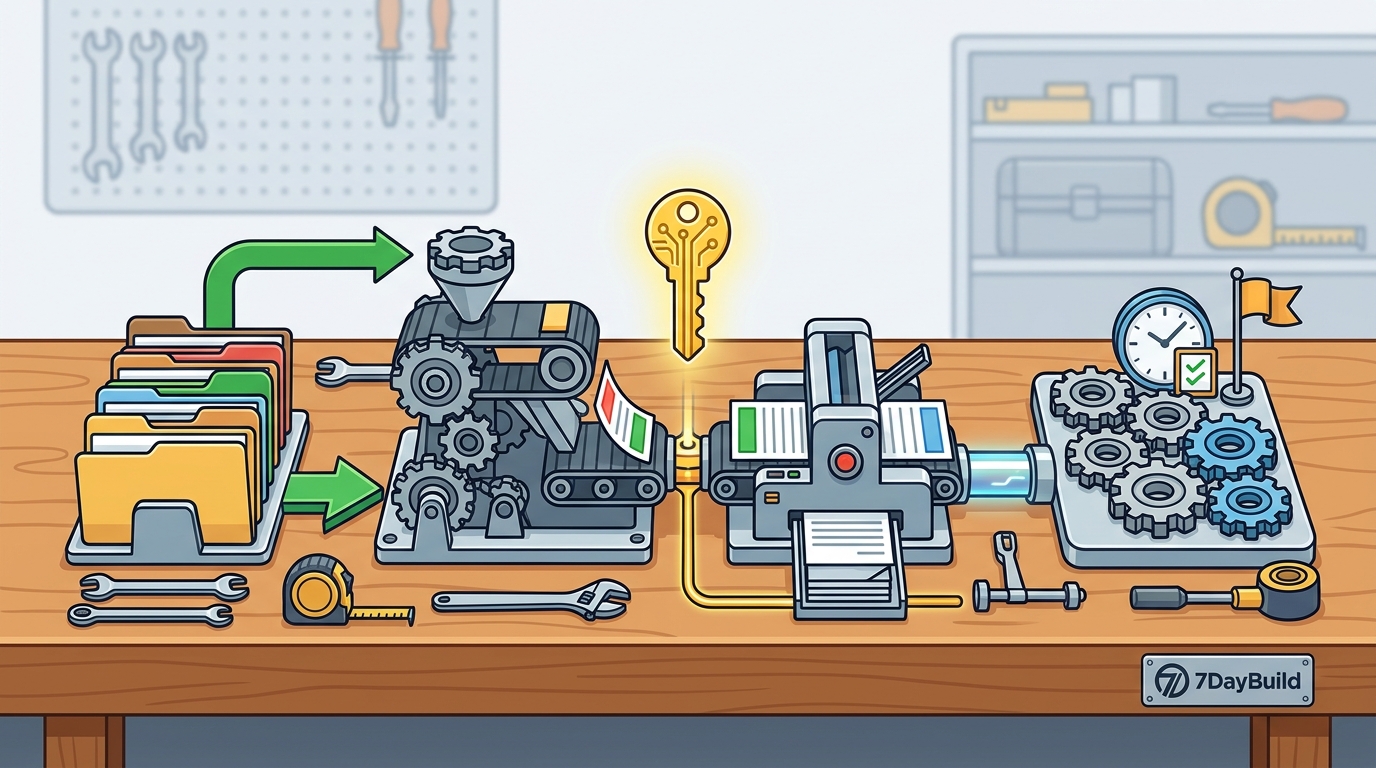
Minimum viable product scoping is the process of defining the smallest set of features required to solve a specific business problem. In field service operations, this usually means automating one stuck handoff. You must identify the exact point where work stops moving. This could be a referral intake, a quote follow-up, or a work order status update. The scope must be narrow enough to build in a short timeframe. It must also be broad enough to provide immediate value to the team.
Defining the Stuck Handoff
Start by mapping the current manual process. Identify who is chasing whom and what data is missing. A stuck handoff is a specific transition where information or action is delayed. For example, a home health agency might have referrals arriving via voicemail but not entering the system until a day later. This delay creates a backlog. The MVP should focus on clearing this specific backlog. It should not attempt to redesign the entire operational workflow. Focus on the single point of friction that causes the most pain.
Setting Clear Success Metrics
Success metrics are measurable indicators that determine if the automation is working. You need to define what "done" means before you start building. Common metrics include time in queue, unassigned count, and missing documents. These metrics help you verify that the tool is actually advancing work. They also provide a baseline for measuring improvement. Without clear metrics, it is difficult to know if the project is successful. Define these numbers during the scoping phase.
Identifying System Constraints
System constraints are the technical limitations of the software you already use. You must identify which systems are in the path of the workflow. This includes your CRM, scheduling tool, and any document management systems. The MVP should work within these existing systems. It should not require a complete migration to new software unless absolutely necessary. Working within existing constraints reduces risk and deployment time. It also ensures that the team can adopt the new tool without learning a new platform.
AI App Builders
AI app builders are platforms that use artificial intelligence to generate code and interfaces from natural language prompts. These tools have changed the landscape of rapid software development. They allow non-technical users to create functional prototypes quickly. However, they are not a magic solution for complex enterprise workflows. They work best for simple, linear processes. They struggle with complex integrations and edge cases. Understanding their limitations is crucial for setting realistic expectations.
Capabilities and Limitations
When to Use AI Builders
Use AI builders when you need a quick proof of concept. They are ideal for validating a new idea before investing in a full build. They are also useful for creating simple internal tools that do not involve sensitive data. For example, a simple status tracker for a small team can be built quickly with an AI builder. However, for workflows involving patient information or complex financial data, you need a more robust approach. You need a partner who can handle security, compliance, and integration complexity.
Integration with Existing Systems
Integration is the process of connecting your new tool with your existing software. AI builders often struggle with this step. They may generate code that looks correct but fails in production. They may not handle authentication or data formatting correctly. A professional implementation partner can handle these integrations. They can ensure that data flows securely and reliably between systems. This is a critical step for any internal tool that needs to move real work.
Comparison of Approaches
Choosing the right approach depends on your specific needs. The table below compares the key characteristics of different development methods. This helps you decide which path fits your situation.
| Approach | Time to Deploy | Complexity Handling | Security & Compliance | Best For |
|---|---|---|---|---|
| AI App Builders | Hours to Days | Low to Medium | Basic | Simple prototypes, internal dashboards |
| Professional Automation Partner | Days to Weeks | High | Advanced | Complex workflows, sensitive data, production use |
| Traditional Custom Development | Months | High | Advanced | Large-scale enterprise systems |
Key Takeaways
- Scope your MVP to a single, high-impact workflow to ensure rapid deployment.
- Define clear success metrics before you start building to measure real value.
- AI app builders are great for prototypes but lack the robustness for production use.
- Integration with existing systems is a critical step that requires professional expertise.
- Security and compliance are non-negotiable for tools handling sensitive data.
- A professional partner can bridge the gap between rapid development and enterprise reliability.
- Focus on clearing the backlog, not redesigning the entire operation.
- Start with a fit check to ensure the project is a good match for your needs.
Frequently Asked Questions
How long does it take to build a working internal tool?
It depends on the complexity of the workflow. A simple tool can be built in days. A complex workflow with multiple integrations may take weeks. The key is to start with a narrow scope. This allows you to see results quickly.
Can I use AI builders for production workflows?
You can, but with caution. AI builders are best for simple, low-risk tasks. For production workflows involving sensitive data or complex logic, you need a professional partner. They can ensure security and reliability.
What is the first step in scoping an MVP?
The first step is to identify the stuck handoff. This is the specific point where work is delayed. Once you identify this, you can define the scope and success metrics.
Do I need to buy new software?
Not necessarily. A good partner will start by looking at what you have. If your existing tools can carry the workflow, they will build there. If a better system is needed, they will recommend it.
How do I handle sensitive data in an internal tool?
You need to ensure that appropriate agreements and data-handling approvals are in place. This includes business associate agreements for patient data. A professional partner can guide you through this process.
What if the tool does not work as expected?
A professional partner will have a process for fixing issues. They will work with you to identify the problem and implement a solution. This is part of the service agreement.
Conclusion
Building a working internal tool in days is possible when you focus on the right scope and use the right tools. You must define the stuck handoff clearly. You must choose the right development approach. For complex workflows, a professional partner is the best choice. 7DayBuild specializes in automation for field service operations. They can help you move off manual chase mode and into automated flow. To start, you can take the 2-minute fit check to see if your workflow is a good match. This will help you determine the best path forward.