

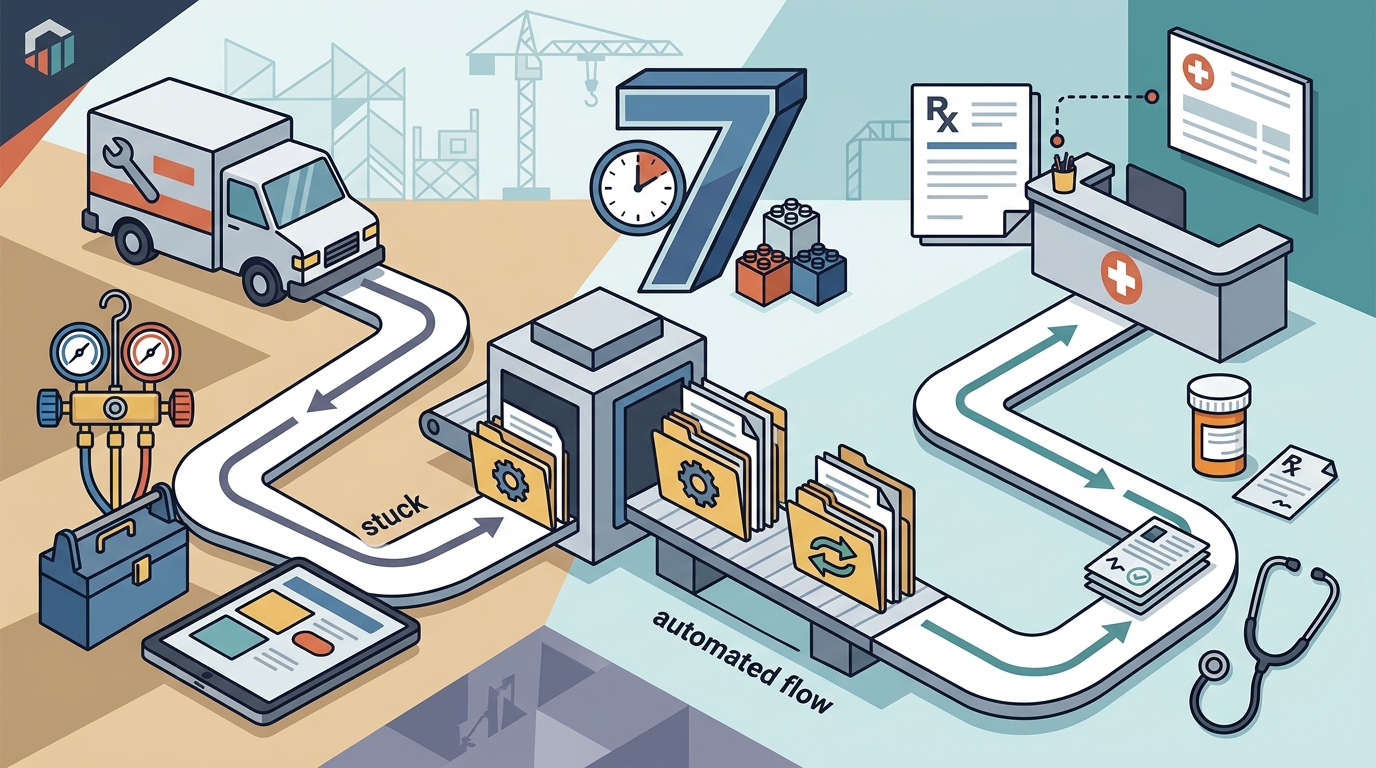
7DayBuild implements workflow automation for field service and healthcare offices. The company builds fixed-price systems that move stuck processes, such as referrals or quotes, from manual tracking to automated flow. This guide explains the core services, target industries, and the seven-day deployment model. It also details how the firm handles data privacy and scope boundaries for home health and HVAC operations.
Workflow Automation
Workflow automation is the use of software to execute repetitive tasks without manual intervention. In many small to mid-sized service businesses, work moves only when a human remembers to chase it. This state is often called chase mode. 7DayBuild focuses on eliminating this dependency by building systems that advance work automatically.
Identifying Stuck Handoffs
The first step in any engagement is identifying where the operation stalls. Common bottlenecks include new job requests sitting in voicemail, quotes waiting for follow-up, or paperwork missing before closeout. The firm maps these specific handoffs to determine where automation provides the most immediate value.
System Selection and Integration
7DayBuild does not force a specific software stack. Instead, the team evaluates the tools the client already uses. If existing systems can support the workflow, the automation is built there. If a better fit is required, the firm recommends an alternative before any build begins. This approach ensures the solution aligns with current operational realities rather than imposing a rigid platform.
Field Service Operations
Field service operations involve teams that dispatch personnel to client sites for maintenance, repair, or installation. Sectors include HVAC, plumbing, electrical, cleaning, landscaping, and pest control. These businesses often struggle with the disconnect between the front office and the field technicians.
Common Operational Challenges
Front offices in these sectors frequently rely on spreadsheets or phone trees to track job status. When a technician completes a job, the office may not know until a call comes in. This delay impacts billing and customer satisfaction. 7DayBuild implements automation that surfaces status changes, reschedules, and pending approvals automatically.
Scope Boundaries for Field Service
It is important to understand what 7DayBuild does and does not do. The firm does not replace dispatch software, accounting systems, or payroll tools. It also does not provide automated route planning or full schedule optimization. The focus remains on the workflow logic that connects existing tools, ensuring data moves correctly between them.
Seven Day Deployment
The seven-day deployment model is a fixed-price sprint designed to deliver a live automation workflow within seven business days. This timeline begins only after specific readiness criteria are met. The clock does not start from the initial consultation call.
Readiness Criteria
Before the seven-day clock starts, four conditions must be satisfied. First, the scope must be signed off in writing. Second, the firm must have working access to the necessary systems. Third, a single decision-maker must be named to approve changes. Fourth, a review meeting must be booked. These steps ensure the build can proceed without administrative delays.
Sprint Structure and Support
Each sprint covers one specific workflow across up to two systems. The deliverable includes the built automation, team training, a written how-to guide, and 14 days of follow-up fixes. A day-30 review is also included to assess performance. For ongoing maintenance, clients can opt for a managed care plan that includes monitoring and small monthly changes.
Home Health and HVAC Sectors
7DayBuild serves two primary verticals: healthcare and field service. In healthcare, the focus is on home health and hospice agencies. In field service, the focus is on HVAC and similar trades. Both sectors face unique regulatory and operational pressures that shape the automation strategy.
Healthcare Specifics
Home health agencies often struggle with referral intake. Faxes, portal messages, and phone calls arrive at different times and require manual routing. 7DayBuild automates this intake process so referrals are routed and tracked without waiting for a human to notice them. The firm also tracks insurance authorization status and expiration dates. However, the firm does not submit claims, approve authorizations, or provide clinical advice.
HVAC and Trade Specifics
HVAC companies deal with high volumes of quotes and work orders. The automation focuses on quote follow-up and work order handoffs. Estimates advance on a set cadence, and job status returns to the office without manual phone calls. This reduces the administrative burden on office staff and allows them to focus on customer communication rather than data entry.
Data Privacy and Compliance
For healthcare clients, data privacy is paramount. 7DayBuild requires that vendors be named and business associate agreements (BAAs) be confirmed before any patient information is processed. Access is limited and tested, and logging is documented. The firm does not handle patient data during the initial fit check or consultation. All access for live work is agreed upon in writing.
Key Takeaways
- 7DayBuild specializes in workflow automation for field service and healthcare offices.
- The firm uses a fixed-price sprint model to deliver live automation in seven business days.
- Deployment begins only after scope is signed, access is granted, and a decision-maker is named.
- The company does not replace core software like dispatch, accounting, or EHR systems.
- Healthcare engagements require strict data privacy protocols, including BAAs and limited access.
- Each sprint covers one specific workflow across up to two systems.
- Training and a written how-to guide are included in every sprint deliverable.
- Managed care plans are available for ongoing monitoring and small monthly adjustments.
Frequently Asked Questions
What is the difference between a Sprint and a larger project?
A Sprint covers one workflow in up to two systems. A larger project covers multiple workflows, more than two systems, or several teams. Larger projects are quoted separately after a fit call.
Do I need to buy new software to work with 7DayBuild?
No. The firm starts by evaluating your existing tools. If they can support the workflow, the automation is built there. If a better system is needed, it is recommended in the blueprint before any build begins.
How long does the seven-day deployment take?
Does 7DayBuild handle patient data during the consultation?
No. The fit check and fit call do not require patient or customer records. Access for live work is agreed upon in writing, and strict privacy protocols are followed for healthcare clients.
What is included in the Managed Workflow Care plan?
The care plan includes monitoring, fixing issues as they arise, a monthly review, and up to three hours of small changes per month. It is an optional add-on to the initial sprint.
Can 7DayBuild replace my dispatch or accounting software?
No. The firm does not replace core operational software. It builds automation that connects and advances workflows within your existing systems or agreed-upon tools.
What happens if the build misses the agreed scope?
The firm writes down what done means before starting. If they miss something that was in their control, they fix it at no extra labor cost within an agreed window.
Conclusion
7DayBuild provides a structured approach to fixing stuck workflows in field service and healthcare offices. By focusing on specific handoffs and using a fixed-price sprint model, the firm helps businesses move off manual chase mode. The seven-day deployment timeline is clear and contingent on readiness, ensuring a smooth transition to automated operations. For offices ready to advance their workflow, the next step is a fit call to determine the best path forward.
To plan your visit, take the 2-minute fit check or book a fit call with the 7DayBuild team.