

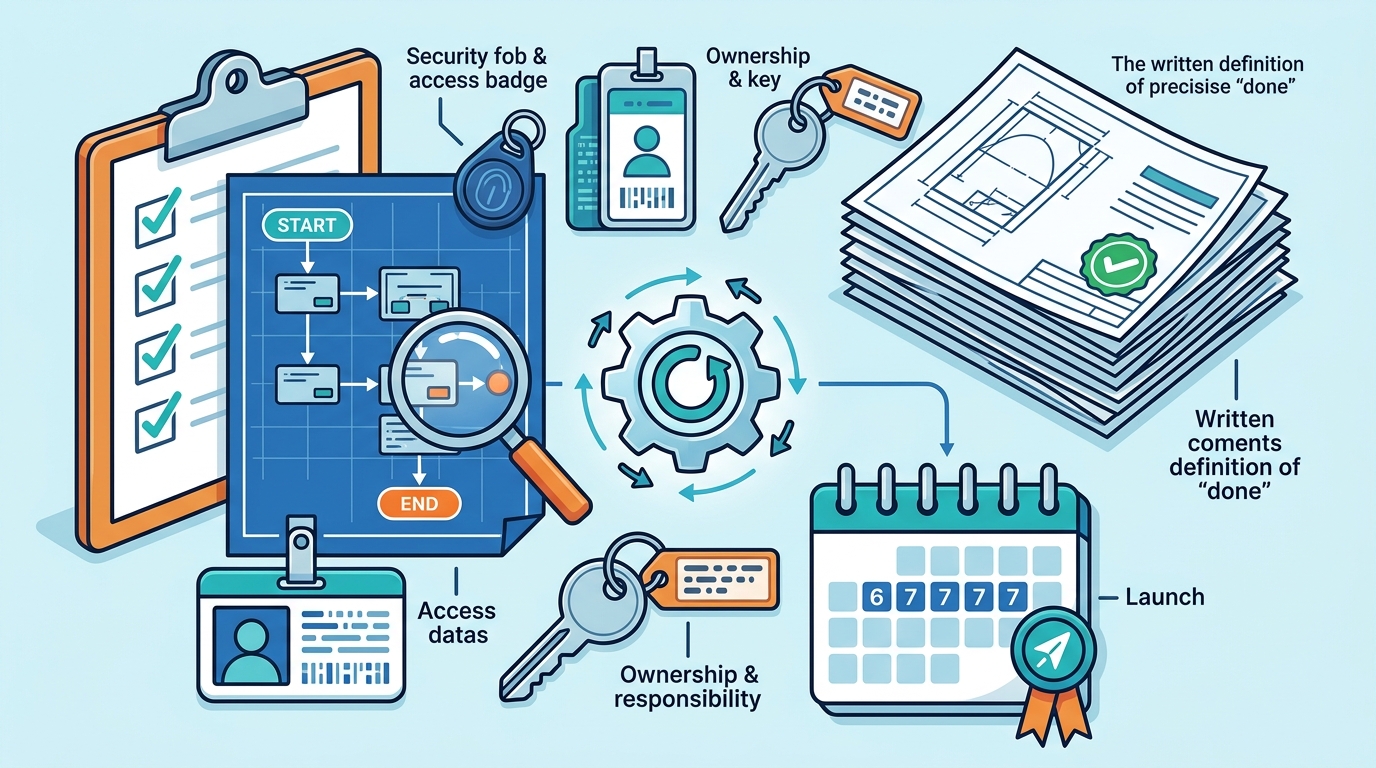
Effective workflow scope for a one-week automation launch includes a clearly defined start and end state, a single named owner, specific system access details, and a written definition of "done." By isolating one specific handoff and mapping its current friction points, teams can eliminate ambiguity that typically delays deployment. This precision allows developers to build and test the solution within a strict seven-business-day window, ensuring the final product solves a real operational bottleneck rather than a vague theoretical problem.
Defining the Operational Boundaries
Scope creep is the primary reason rapid automation projects fail. To prevent this, you must define exactly what the system will do and, equally importantly, what it will not do. A clear boundary ensures that the development effort remains focused on the specific handoff that is currently causing delays or errors in your operation.
Identifying the Stuck Handoff
Start by identifying the specific point where work stops moving. Is it the initial intake of a request? Is it the follow-up on a quote? Or is it the final paperwork before closeout? Naming this specific friction point allows you to build a solution that addresses the root cause rather than the symptoms.
For example, an HVAC company might find that technicians are waiting on parts because the order status is not automatically updated in their scheduling tool. The scope should focus solely on automating that status update, not on rebuilding the entire inventory management system. This focus is critical for meeting a one-week timeline.
Mapping System Access and Data Flow
Automation is only as good as the data it can access. You must document every system involved in the workflow and specify exactly how data moves between them. This includes identifying which platforms hold the source data and which platforms need to receive the updated information.
7DayBuild emphasizes that access must be agreed upon in writing before work begins. This means you need to provide developers with the necessary credentials or API keys for the systems involved. If you are using a combination of a spreadsheet, a voicemail system, and a scheduling app, the scope must detail how data will be extracted from each source and where it will be pushed.
Least-Privilege Access
When dealing with sensitive information, such as patient records or customer financial data, you should implement least-privilege access. This means granting the automation tool only the permissions it needs to perform its specific task. This approach reduces security risks and ensures compliance with data handling standards.
Establishing Measurable Success Criteria
"Done" is a subjective term that leads to disputes. To avoid this, you must define objective success criteria before the build begins. These criteria should be measurable and verifiable. For instance, if the goal is to reduce the time a job spends in a queue, the success metric might be that no job remains unassigned for more than two hours.
Writing down what "done" means is a standard part of the Blueprint phase at 7DayBuild. This document serves as the contract between the client and the developer. It ensures that both parties have the same expectations regarding the final output. If the system meets the written criteria, the project is considered complete.
Defining the End State
The end state should describe the ideal outcome of the workflow. For a home health agency, this might mean that a referral is automatically routed to the correct manager and a notification is sent to the clinician. The scope should specify the exact actions that constitute this end state, leaving no room for interpretation.
Ensuring Team Readiness and Ownership
Technology does not operate in a vacuum. The people who use the system must be ready to adopt it. This means identifying a single decision-maker who has the authority to approve changes and make final calls. Without a clear owner, projects often stall in approval loops.
Assigning a Decision-Maker
One of the most common pitfalls is having multiple stakeholders with conflicting opinions. By naming one decision-maker, you streamline the feedback process. This person is responsible for reviewing the build, providing feedback, and signing off on the final product. Their availability is a critical factor in the seven-day timeline.
Clarifying Exclusions and Limitations
Just as important as what is included in the scope is what is excluded. You must explicitly state what the automation will not do. This prevents misunderstandings and sets realistic expectations. For example, if you are automating job scheduling, you should state that the system will not handle payroll or generate invoices.
7DayBuild explicitly excludes replacing existing dispatch or accounting software in its standard sprints. By clarifying these limitations, you ensure that the project remains focused on the specific workflow you want to improve. This clarity is essential for a successful one-week launch.
Handling Edge Cases
Every workflow has edge cases, such as missing data or system errors. The scope should define how these situations will be handled. Will the system flag the issue for manual review? Will it send an alert to a manager? Defining these fallback procedures ensures that the automation is robust and reliable.
Key Takeaways
- Define a single, specific handoff to automate, avoiding broad system overhauls.
- Document all system access requirements and data flow paths in writing.
- Establish objective, measurable success criteria to define "done."
- Identify a single decision-maker with authority to approve changes.
- Explicitly state what the automation will not do to prevent scope creep.
- Include training and documentation in the scope to ensure team adoption.
- Plan for edge cases and error handling to ensure system reliability.
Frequently Asked Questions
How long does the seven-day timeline actually take?
The seven business days begin once the scope is signed off, access is confirmed, and a decision-maker is named. It does not start from the initial consultation call.
Do I need to buy new software for this?
Not necessarily. The goal is to automate the workflow using the systems you already have, if they are suitable. If a different system is a better fit, this will be identified during the planning phase.
What happens if the build doesn't meet the agreed criteria?
If the developer misses a requirement that was in their control, they are responsible for fixing it at no extra labor cost within an agreed window, as outlined in the contract.
Can I change the scope after the build starts?
Changes to the scope after the build begins are generally not included in the fixed price. Any significant changes may require a new quote and timeline.
Is my data safe during the process?
Yes. Access is agreed upon in writing, and least-privilege principles are applied. For sensitive data, appropriate agreements and data-handling approvals are required before production work begins.
Who owns the code after the project is complete?
Ownership of the code and assets is typically defined in the service agreement. It is important to clarify this during the scoping phase to avoid future disputes.
Next Steps for Your Automation Project
Launching automation in one week is achievable, but only if the scope is precise and the team is ready. By defining clear boundaries, mapping system access, and establishing measurable success criteria, you can eliminate the ambiguity that typically delays projects. This approach allows you to focus on the specific workflow that is causing the most friction in your operation.
7DayBuild specializes in helping field service and healthcare organizations implement these rapid automation sprints. We work with you to define the scope, map the systems, and build the solution within a fixed timeline. To get started, you can take the 2-minute fit check to see if your workflow is a good candidate for a one-week launch. This quick assessment will help you determine the best next step for your operation.