

Is There a Service That Tells an HVAC Office When a Job Has No Technician Assigned?
Yes, modern field service automation can monitor your dispatch queue and trigger alerts when a job lacks an assigned technician. This prevents silent bottlenecks that delay customer service and reduce revenue. This guide explains how unassigned job alerts work, compares dispatch platforms, and shows how 7DayBuild automates these workflows for HVAC and home health offices. according to Why Become an For additional details, review the Larger projects 7DayBuild.
HVAC Dispatch Platforms
HVAC dispatch platforms are software systems that manage the lifecycle of service jobs from intake to completion. These tools typically handle scheduling, routing, invoicing, and technician communication. While many platforms offer basic scheduling features, they often lack proactive monitoring for stalled work. A job might sit in a queue for hours without anyone noticing because the system does not flag the absence of an assigned technician.
The Limitation of Standard Scheduling
Standard dispatch software focuses on placing jobs on a calendar. It assumes that if a job is on the calendar, it is handled. However, operational reality is more complex. Jobs can be created but left unassigned due to high volume, staff turnover, or communication gaps. The platform records the job, but it does not actively alert the office manager that the job is stuck in a pre-assignment state. This passive approach leads to what 7DayBuild calls "chase mode," where staff spend time hunting for missing information rather than moving work forward.
Why Proactive Monitoring Matters
Proactive monitoring shifts the workflow from reactive to active. Instead of waiting for a customer to call and complain about a delay, the system identifies the gap immediately. This requires logic that goes beyond simple calendar views. It involves checking the status of every job in the queue and triggering a notification if the "assigned technician" field is empty after a set time. This level of granularity is often missing in off-the-shelf dispatch tools, which is why specialized automation is needed.
Unassigned Job Alerts
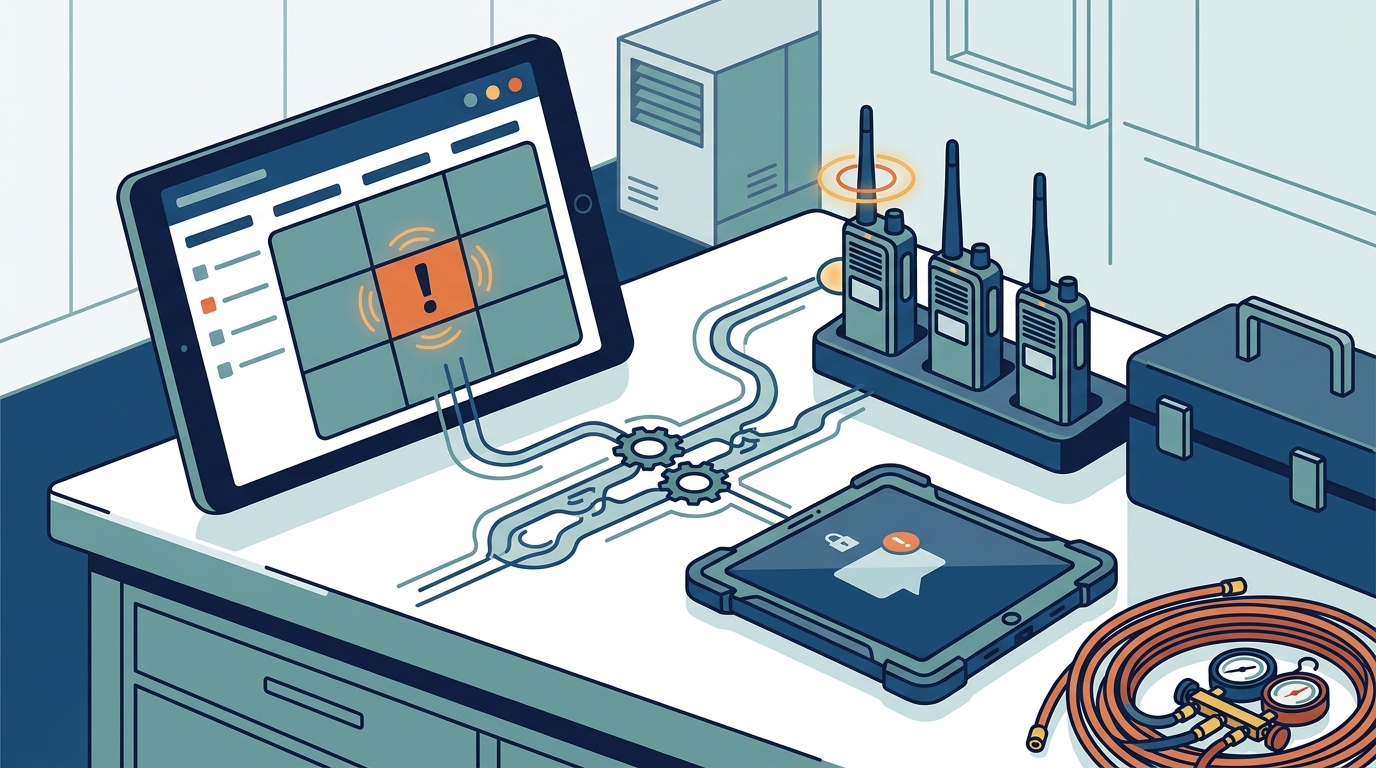
Unassigned job alerts are automated notifications that trigger when a service request lacks a technician assignment. These alerts ensure that no job falls through the cracks during high-volume periods or shift changes. By defining clear rules for when an alert should fire, offices can maintain consistent service levels without manual oversight. This is a core component of the automation 7DayBuild implements for field service operations.
Defining the Alert Logic
Effective alerting requires specific parameters. The system must know what constitutes an "unassigned" job. Is it a job with no technician ID? Is it a job that has been in the queue for more than 15 minutes? The logic must be precise to avoid alert fatigue. If the system alerts on every minor delay, staff will ignore the notifications. Therefore, the alert must be tied to a critical threshold, such as a job remaining unassigned for a specific duration or a job missing required documentation for assignment.
Integration with Existing Systems
These alerts do not require replacing your current dispatch software. Instead, they integrate with the systems you already use. 7DayBuild builds automation that connects to your existing tools, monitoring the data flow between them. If a job enters your CRM but does not appear in your dispatch system with an assignee, the automation detects this gap. It then sends a notification to the appropriate manager or dispatcher. This integration ensures that the alert is actionable and relevant to the current workflow.
Benefits of Automated Monitoring
Automated monitoring reduces the cognitive load on office staff. Managers no longer need to manually review every job in the queue to find gaps. The system does the checking for them. This allows staff to focus on resolving the issues rather than finding them. It also creates a record of when jobs were flagged and when they were resolved, providing data for process improvement. Over time, this data helps identify patterns in why jobs remain unassigned, allowing for targeted fixes in staffing or scheduling.
| Feature | Standard Dispatch Software | Custom Automation (7DayBuild) |
|---|---|---|
| Job Assignment Tracking | Passive calendar view | Active status monitoring |
| Unassigned Job Alerts | Often missing or basic | Customizable logic and triggers |
| Integration Depth | Native features only | Connects multiple systems |
| Response Time | Depends on manual checks | Immediate automated notification |
| Implementation Time | Variable | 7 business days after readiness |
Key Takeaways
- Standard dispatch platforms often lack proactive alerts for unassigned jobs, leading to silent delays.
- Unassigned job alerts are automated notifications that trigger based on specific logic, such as time in queue.
- Custom automation can integrate with existing systems to monitor job status without replacing software.
- 7DayBuild specializes in building these workflows for HVAC and home health offices.
- Proactive monitoring reduces the need for manual "chase mode" by office staff.
- Alert logic must be precise to avoid alert fatigue and ensure actionable notifications.
- Implementation timelines begin after scope and access are confirmed, not from the first call.
- Automated monitoring creates data for process improvement and staffing adjustments.
Frequently Asked Questions
Can I add unassigned job alerts to my current dispatch software?
Yes, if your software has an API or allows data export. 7DayBuild can build automation that connects to your existing tools to monitor job status and trigger alerts. This does not require replacing your current system.
How long does it take to implement these alerts?
7DayBuild delivers live automation within seven business days once scope and access are approved. The timeline begins after readiness is confirmed, not from the initial consultation.
What happens if a job is unassigned for a long time?
The system can be configured to escalate alerts. For example, if a job remains unassigned for 30 minutes, it alerts the dispatcher. If it remains unassigned for 60 minutes, it alerts the office manager. This ensures that critical jobs receive attention.
Do I need to hire a developer to build this?
No, 7DayBuild handles the entire build process. You provide access to your systems and define the desired outcomes. The team builds, tests, and trains your staff on the new workflow.
Is this only for HVAC companies?
No, 7DayBuild serves both HVAC and home health sectors. The same principles of monitoring unassigned work apply to referrals in home health and jobs in field service.
What if my software does not have an API?
7DayBuild evaluates your current tools during the Blueprint phase. If your software cannot support the necessary data flow, the team will recommend a better fit or a different approach. We do not force a solution that does not work with your infrastructure.
How much does this cost?
7DayBuild offers fixed-price Sprints for workflow automation. The cost depends on the complexity of the workflow and the systems involved. You can book a Fit Call to discuss your specific needs and receive a quote.
Do you provide compliance advice?
No, 7DayBuild provides product and workflow build services only. We do not provide legal, clinical, billing, or compliance advice. Any tools involving patient or protected information require appropriate agreements and data-handling approvals before production work begins.
Conclusion
Unassigned job alerts are a critical component of efficient field service operations. They ensure that no job is left behind in the queue, reducing delays and improving customer satisfaction. While standard dispatch platforms may lack this proactive monitoring, custom automation can bridge the gap. 7DayBuild specializes in building these workflows for HVAC and home health offices, delivering live automation in seven business days after readiness is confirmed. To see if this solution fits your operation, explore our field service automation services or take the 2-minute fit check. according to What Is an