

Building a functional internal tool or client portal in days is possible when you scope a single, high-impact workflow rather than attempting a full platform. 7DayBuild implements automation for field service and healthcare operations by focusing on one stuck process, such as referral intake or job dispatch, and delivering a live system within seven business days of readiness. This guide covers how to define that scope, evaluate modern build tools, and execute a rapid deployment without sacrificing stability or data security.
Scoping the MVP Workflow
Minimum Viable Product (MVP) is a development strategy that focuses on building the smallest set of features necessary to validate a core business process. In the context of field service operations, this means identifying the specific handoff where work stalls, such as a quote sitting in a spreadsheet or a referral waiting for a signature. The goal is not to build a comprehensive software suite, but to automate one critical path so that data moves without manual intervention.
Identifying the Bottleneck
Most operations suffer from what 7DayBuild calls "chase mode," where staff must constantly follow up on status updates. To scope an MVP, you must first map the current state of this workflow. Identify who owns the process, how many items pass through it weekly, and which systems are currently involved. If the process involves more than two systems or requires a phased switch-over across multiple teams, it may exceed the scope of a standard rapid build and require a larger project quote.
Defining "Done"
AI App Builders and Rapid Prototyping
AI app builders are software platforms that use artificial intelligence to generate code or configure workflows based on natural language prompts. These tools have significantly reduced the time required to create internal dashboards and client portals. However, for production environments handling operational data, the choice of platform must align with your existing infrastructure and security requirements.
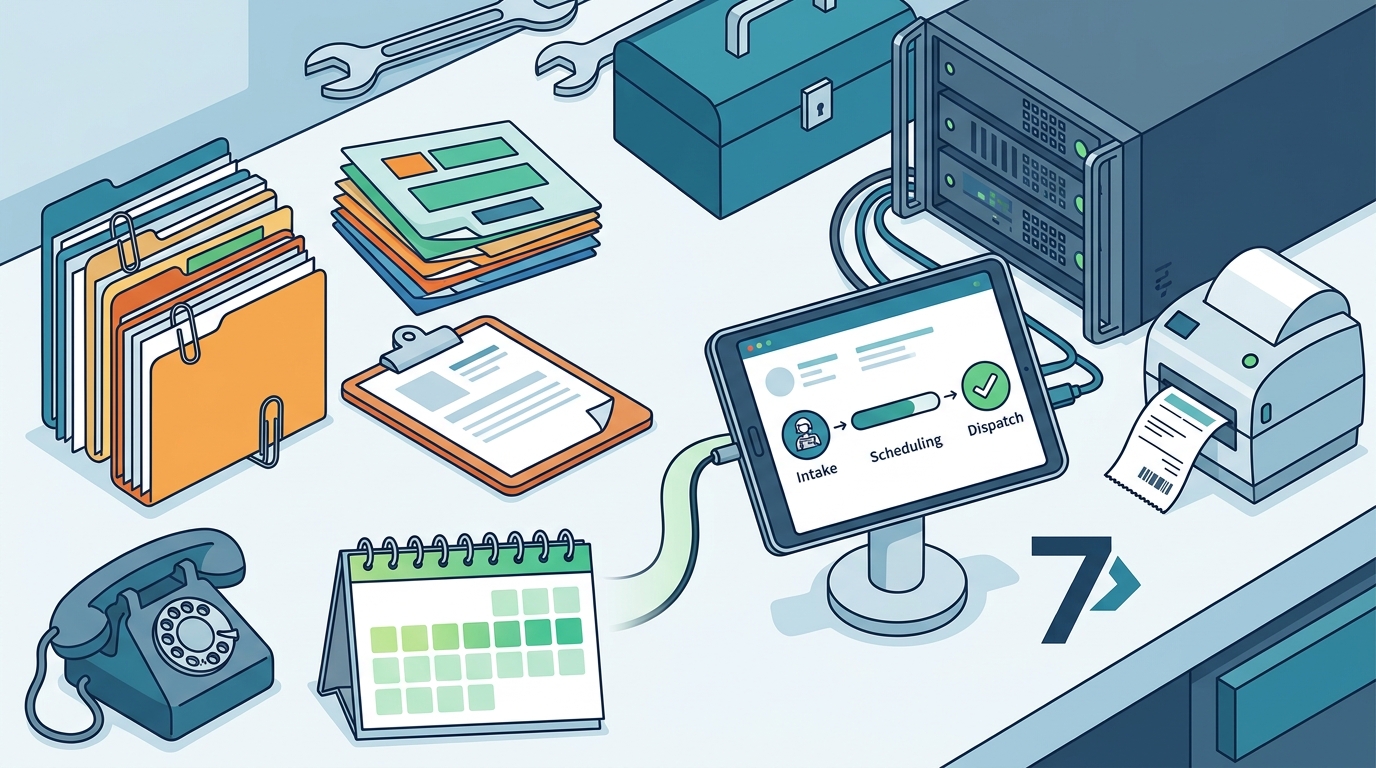
Evaluating Existing Systems
Before adopting a new AI-driven tool, assess whether your current software can support the workflow. 7DayBuild begins by looking at what you already have. If your existing dispatch or accounting tools can carry the workflow well, building within that ecosystem is often the clearer path. If a better system is the right move, this is identified during the planning phase and agreed upon before any build begins. This approach avoids the cost and complexity of migrating data unnecessarily.
Security and Data Handling
When building tools that touch patient or customer information, security is paramount. Before any live work begins, vendors must be named, and appropriate agreements, such as Business Associate Agreements (BAAs) for healthcare data, must be confirmed. Access should be limited and tested, with logging and recovery procedures documented. A rapid build is only successful if it adheres to these data-handling standards from day one.
Comparing Build Approaches
Choosing the right approach depends on the complexity of the workflow and the systems involved. The table below compares common methods for building internal tools, highlighting their typical timelines and best use cases.
| Approach | Typical Timeline | Best For | Key Consideration |
|---|---|---|---|
| Standard Rapid Sprint | 7 Business Days | One workflow in up to two systems | Requires signed scope and working access |
| Custom Implementation | Variable | Multiple workflows or systems | Quoted separately after initial assessment |
| Phased Engagement | Multi-week | Multi-team or cutover work | Requires a written phase plan |
The standard rapid sprint is designed for teams that need to move one specific part of their operation off manual tracking. It covers one workflow in up to two systems, including build, test, and team training. For larger projects that cover more than one workflow or involve several teams, a separate quote is provided after an initial fit call.
Key Takeaways
- Focus on a single, high-impact workflow to achieve rapid deployment.
- Define "done" in writing before starting the build to prevent scope creep.
- Evaluate existing systems before adopting new AI tools to avoid unnecessary migration.
- Ensure data security and compliance agreements are in place before live work begins.
- Timelines begin after readiness is confirmed, not from the first conversation.
- Training and a written how-to guide are essential for team adoption.
- Results depend on scope clarity, readiness, and client participation.
Frequently Asked Questions
How long does it take to build a working internal tool?
A standard rapid build can be live in seven business days once scope is signed off, access is confirmed, and a decision-maker is named. This timeline applies to one workflow in up to two systems.
Do I need to buy new software to automate my workflow?
Only if that is the clearer path. The process starts by looking at what you have. If your current tools can carry the workflow, the build happens there. If a better system is needed, it is agreed upon before the build starts.
What happens if the build misses the agreed scope?
If the provider misses something that was in their control, they fix it at no extra labor cost within an agreed window. The definition of "done" is written down before work begins to ensure clarity.
Can you build a tool that handles patient information?
Yes, but specific protocols must be followed. Vendors are named, Business Associate Agreements are confirmed, and access is limited and tested before any live work involving patient data begins.
What is included in a rapid build sprint?
A standard sprint includes mapping the process, building and testing the automation, training your team, providing a written how-to guide, and offering follow-up fixes for a set period.
Is this suitable for large, multi-team operations?
For work that covers more than one workflow, more than two systems, or several teams, a larger project is quoted separately. This ensures the scope is appropriate for the complexity of the operation.
Next Steps for Field Service Teams
Moving your operation off chase mode requires a clear plan and a partner who understands the specific constraints of field service and healthcare workflows. 7DayBuild specializes in implementing automation that advances how these operations run, ensuring that work moves without someone babysitting every step. To determine if your workflow is a fit for a rapid build, start by identifying the specific handoff that is causing delays in your office.
To plan your visit, take the 2-minute fit check or book a Fit Call with 7DayBuild to discuss your current systems and scope.